
Solutions
Exhibitors & Sponsors
Exhibitors and sponsors help pay for your event, and they expect to be seen. Connect Space gives each exhibitor a booth profile with their files and booth team, and shows your sponsors by tier on your event site and in the app. Both carry into next year’s event.
Trust Connect Space for
Exhibitors & Sponsors
A show floor attendees can browse
Every year the same work comes back: chasing logos and booth details, posting a sponsor list, then answering exhibitors asking where their brochure went. Most of it lives in email and a spreadsheet nobody else can see.
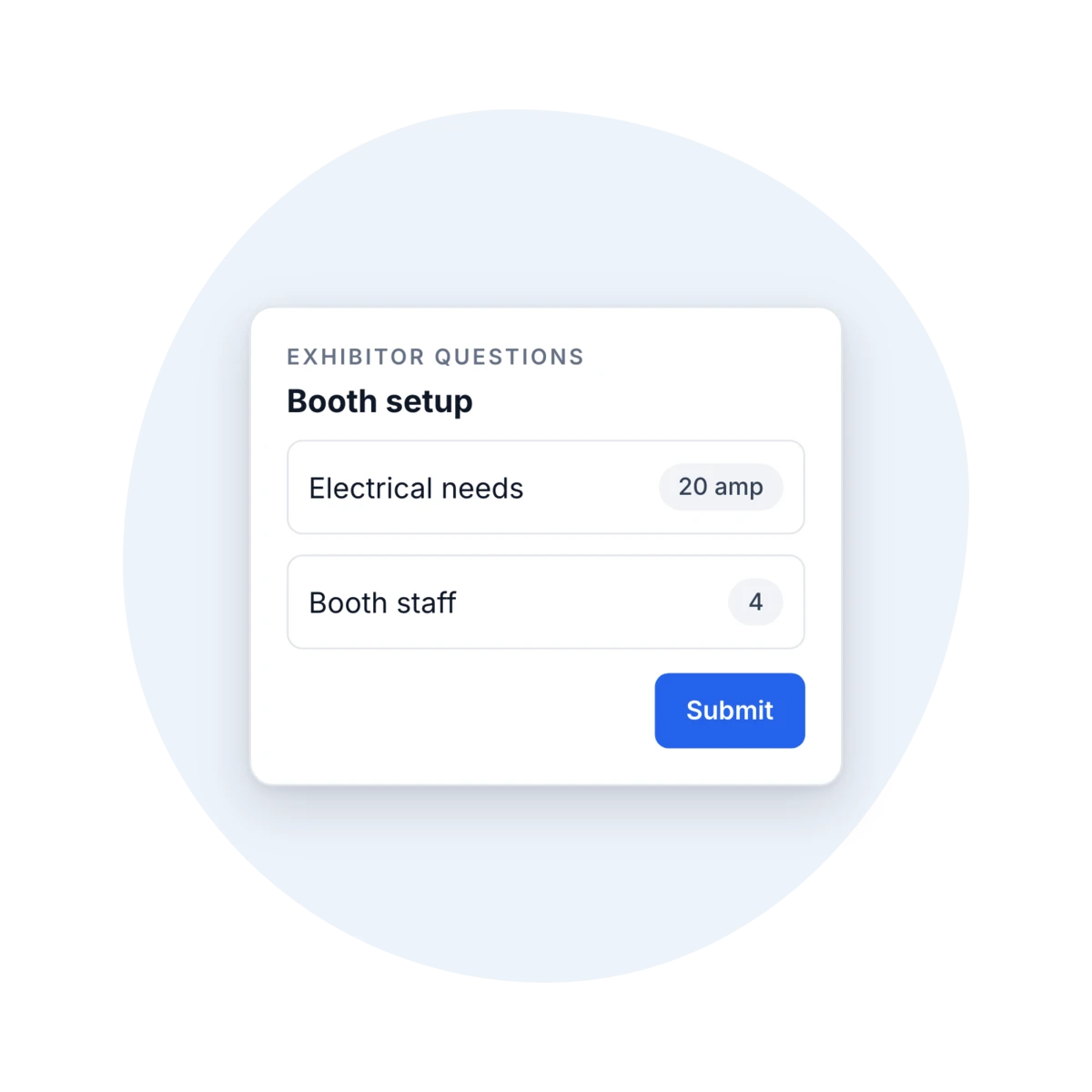
On Connect Space, each exhibitor has a booth profile on your event site and in the mobile app, with their location, logo, links, booth team, and files attendees can download. An Exhibitor Questions form collects what you need from each one, and booth admins keep their own files up to date. Sponsors show in a separate showcase grouped by tier, at the size each tier earned.
Booth profiles on the web and in the app
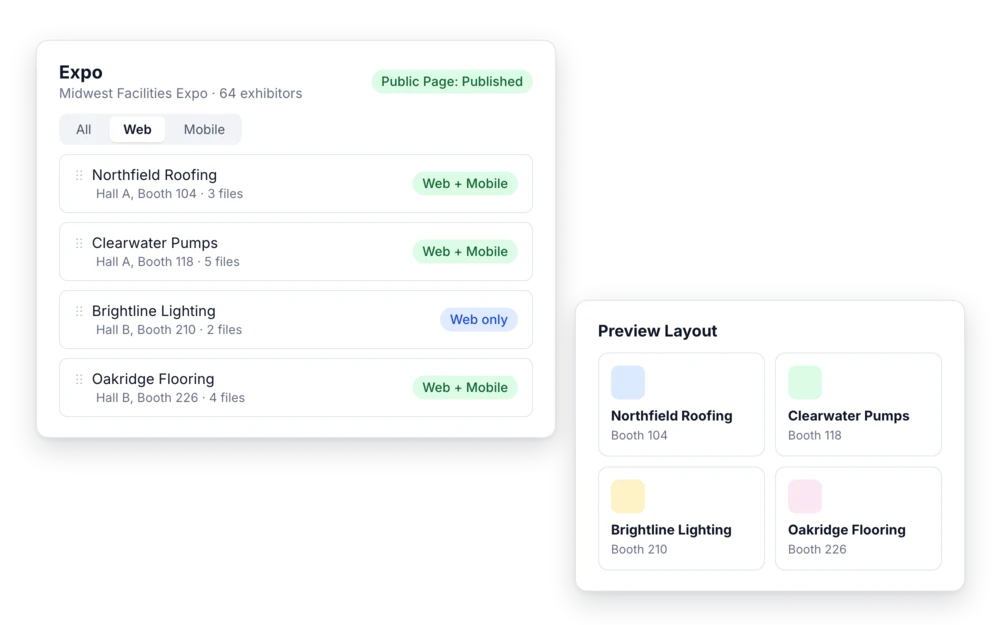
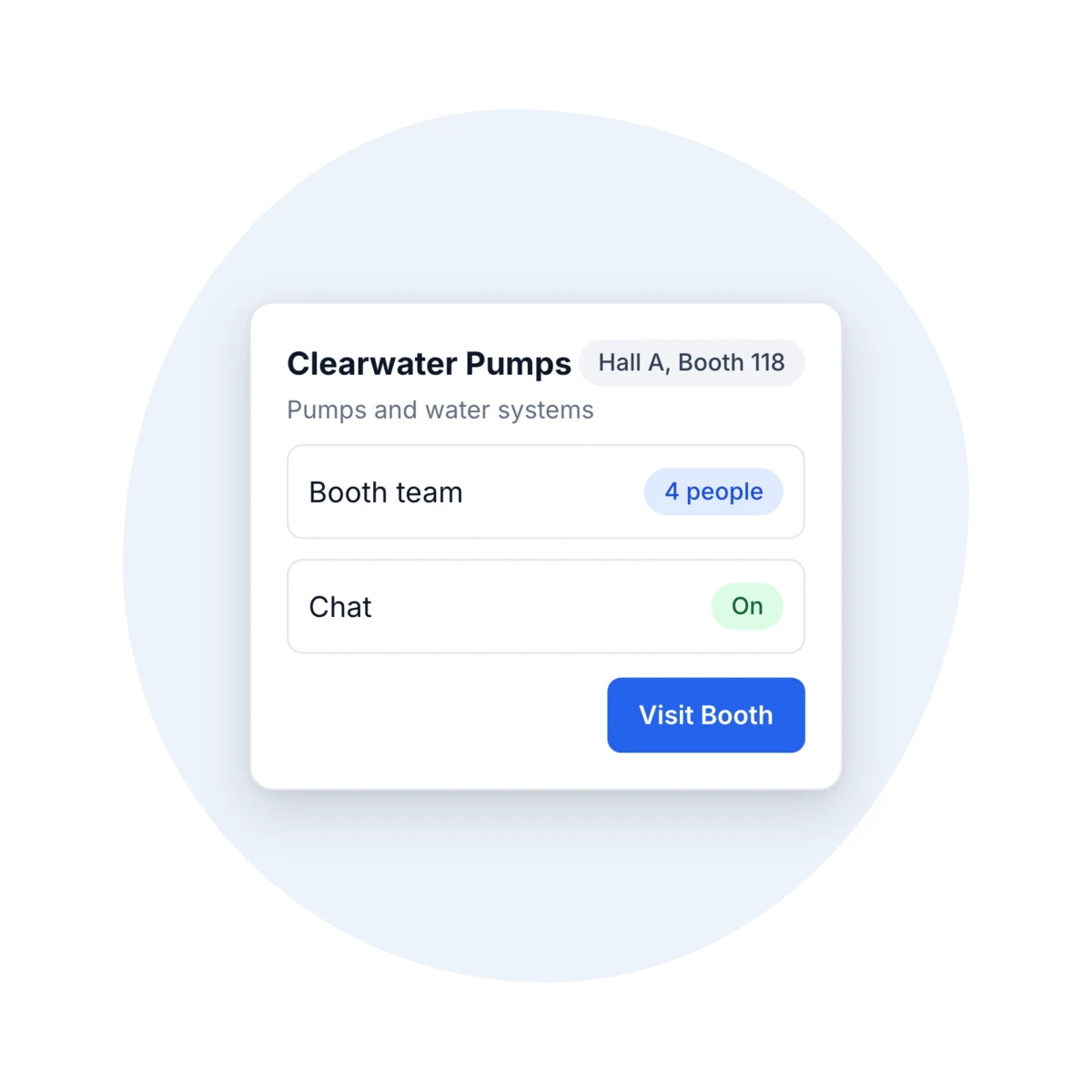
Each exhibitor gets a booth profile with company details, booth location, logo, banner, social links, and a call-to-action button. Add the booth team, and turn on chat or video for the booth if you want attendees to reach them. Choose which exhibitors show on the web and in the mobile app, and put them in the order you want for each. Preview the layout before you publish.
What you get:
- Booth location, logo, and banner
- A booth team with optional chat and video
- Separate web and mobile order
Files attendees can take home
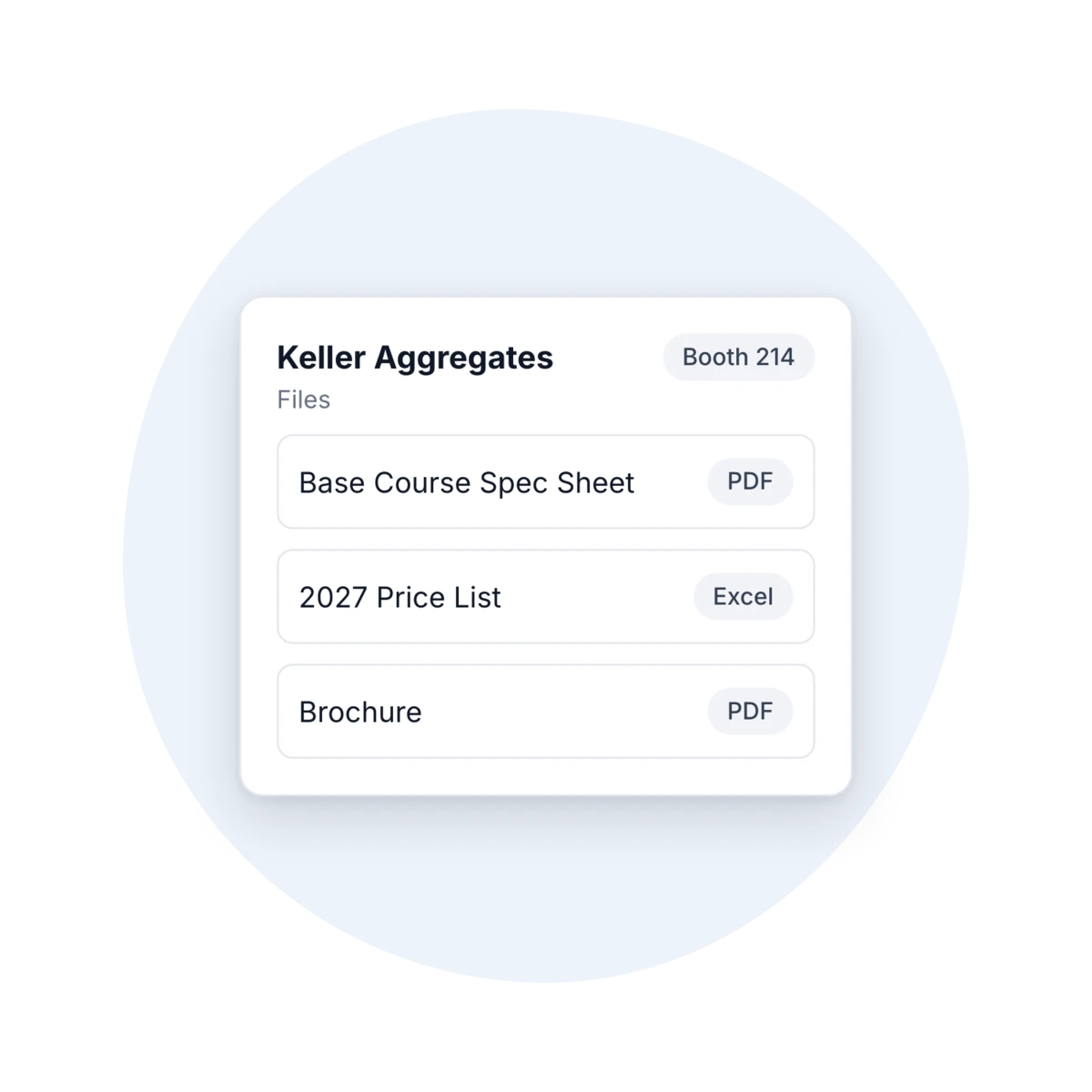
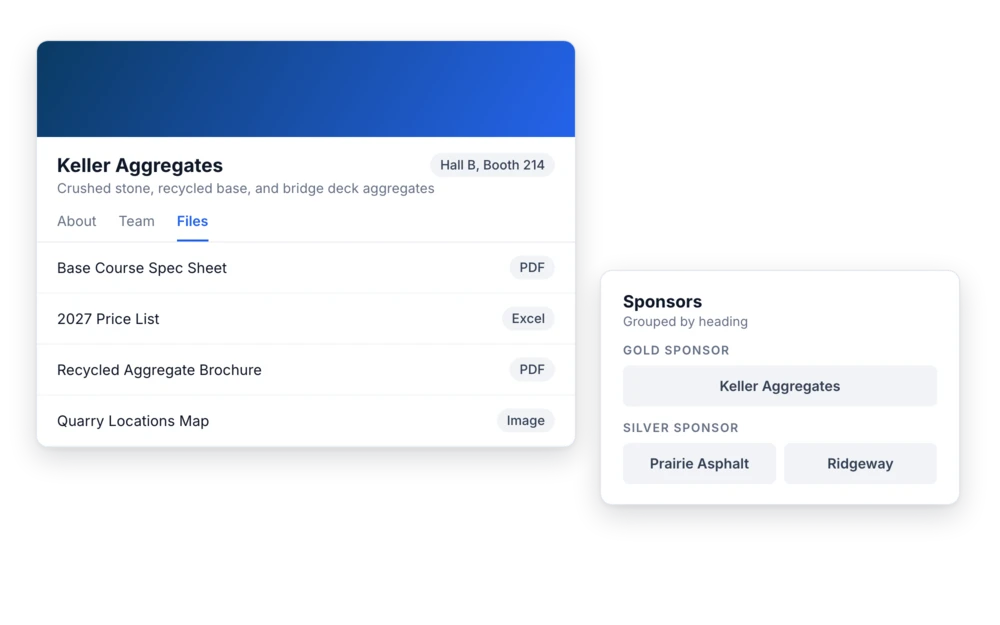
Every booth has a Files tab for brochures, spec sheets, price lists, and videos. Each booth holds up to 20 files: PDF, Word, Excel, PowerPoint, images, video, or ZIP. Attendees view or download them on your event site and in the event dashboard. Booth admins add and replace their own files from the My Booths panel, so updates don’t run through your inbox.
A sponsor showcase by tier
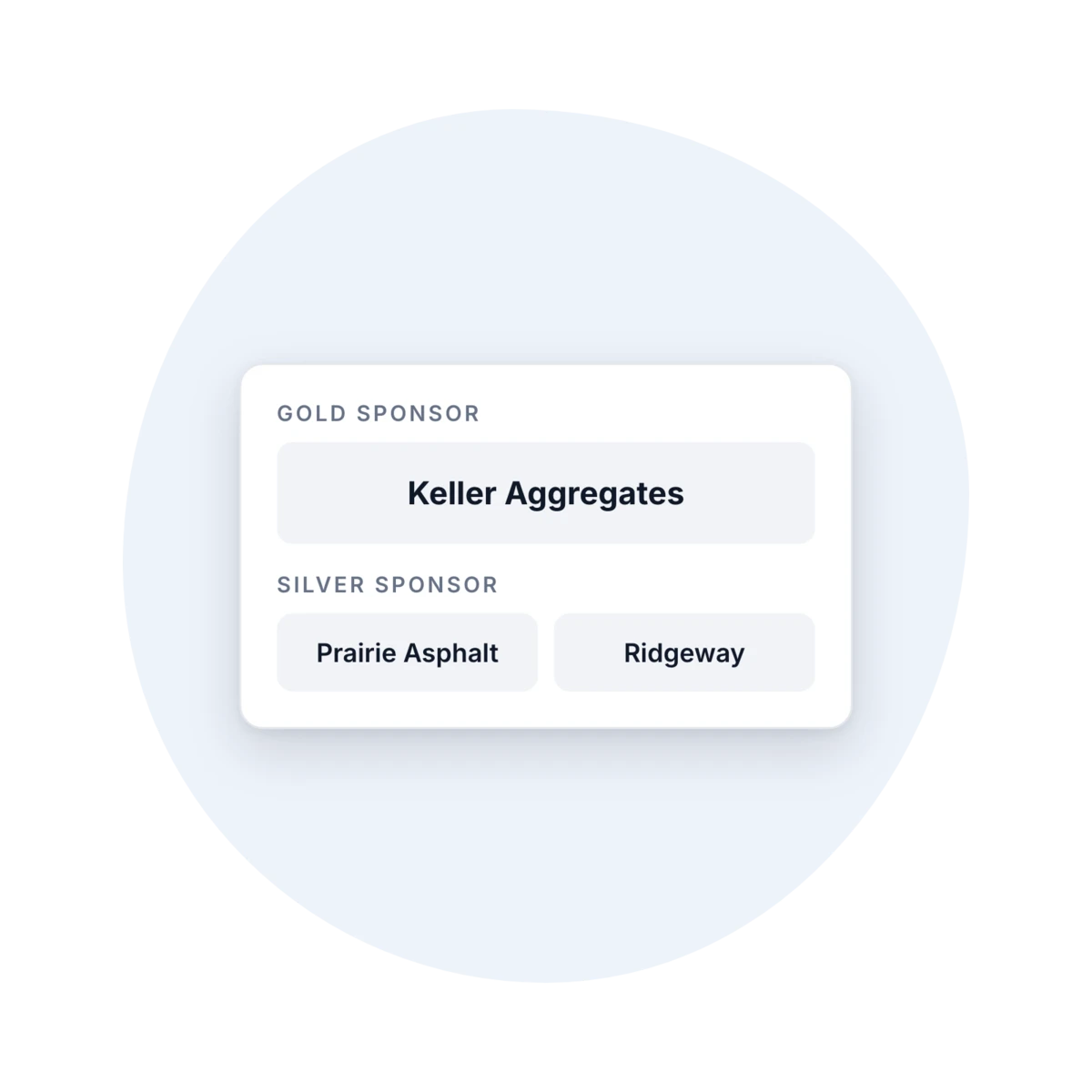
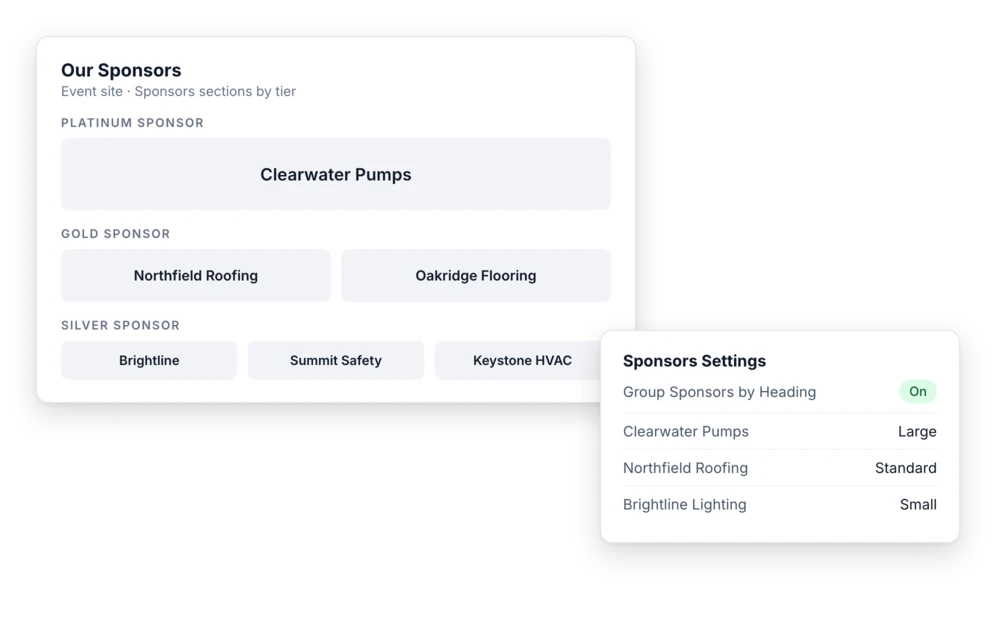
Give each sponsor a heading, such as Platinum, Gold, or Silver, and turn on grouping by heading. Each sponsor has a display size, from three per row to one per row, so larger sponsors get more room. Sponsors appear on your event site and in the mobile app, each with its own order. You can also add a separate sponsor section to your event site for each tier.
Exhibitor details, collected once and reused
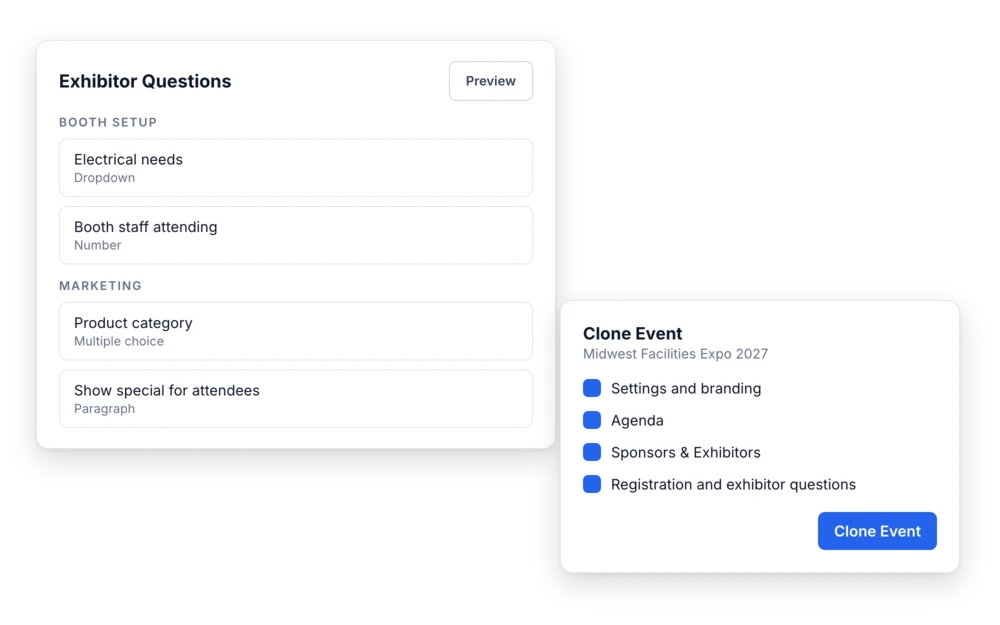
An Exhibitor Questions form, split into sections, collects booth needs, staffing, and anything else you ask, and exhibitors fill it out from your event site. Rename Expo to Exhibit Hall or Marketplace, and Exhibitor to Vendor, if that’s what your attendees call it. Next year, clone the event with Sponsors and Exhibitors selected, and the exhibitor profiles and Exhibitor Questions come with it. Last year’s answers stay with last year.
What your team can do:
- Collect booth details in one form
- Rename the expo for your audience
- Clone exhibitors into next year’s event
Tell us what you run
Book a demo and we’ll build it around the events you already run.
Ready when you are
It all runs on one platform.
Registration, badge printing and check-in, buyer and supplier matchmaking, credit tracking, live reporting, and a branded mobile app, with every platform feature included in your contract.
Free registrations cost nothing, there's no long-term lock-in, and the first event is the trial.