
Solutions
Calls for Proposals
Your program starts with a call for proposals and a review committee. Connect Space collects the submissions and gives reviewers a scoring form with a passing score. Submitters get an email at every step, and accepted speakers stay in one library for next year.
Trust Connect Space for
Calls for Proposals
From open call to final program
A call for proposals usually runs on a survey link and a shared spreadsheet of scores. Then comes a long afternoon of acceptance emails. Reviewers lose track of what they’ve scored, and submitters email to ask whether anyone read theirs.
On Connect Space, the call is a form on your event site with the questions you need, including file uploads for slides and handouts. Reviewers score each submission against your criteria, and a passing score sorts the strong ones out. Lifecycle emails tell submitters when their proposal is received, under review, accepted, or rejected.
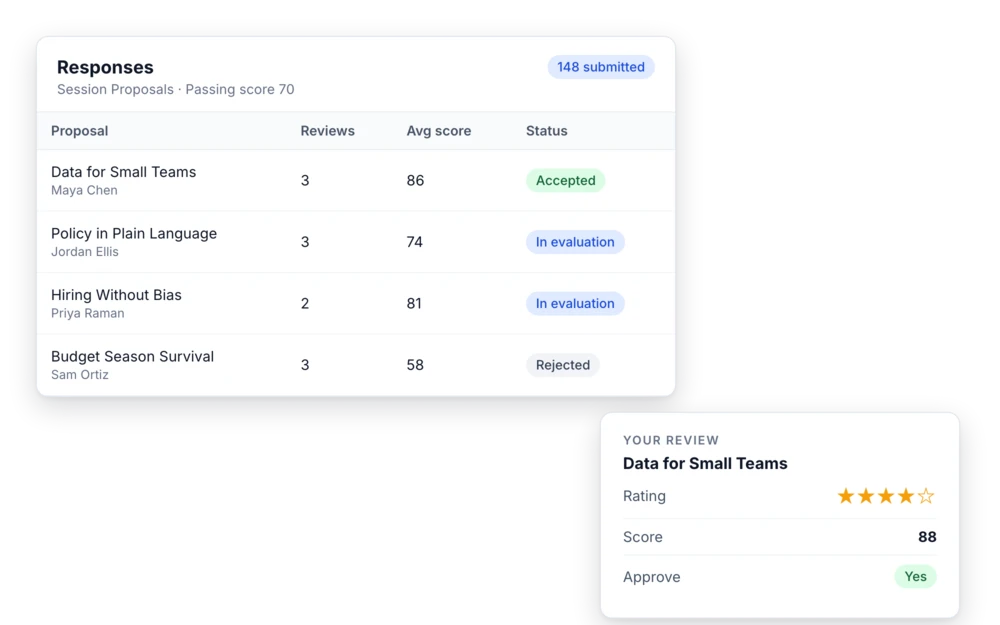
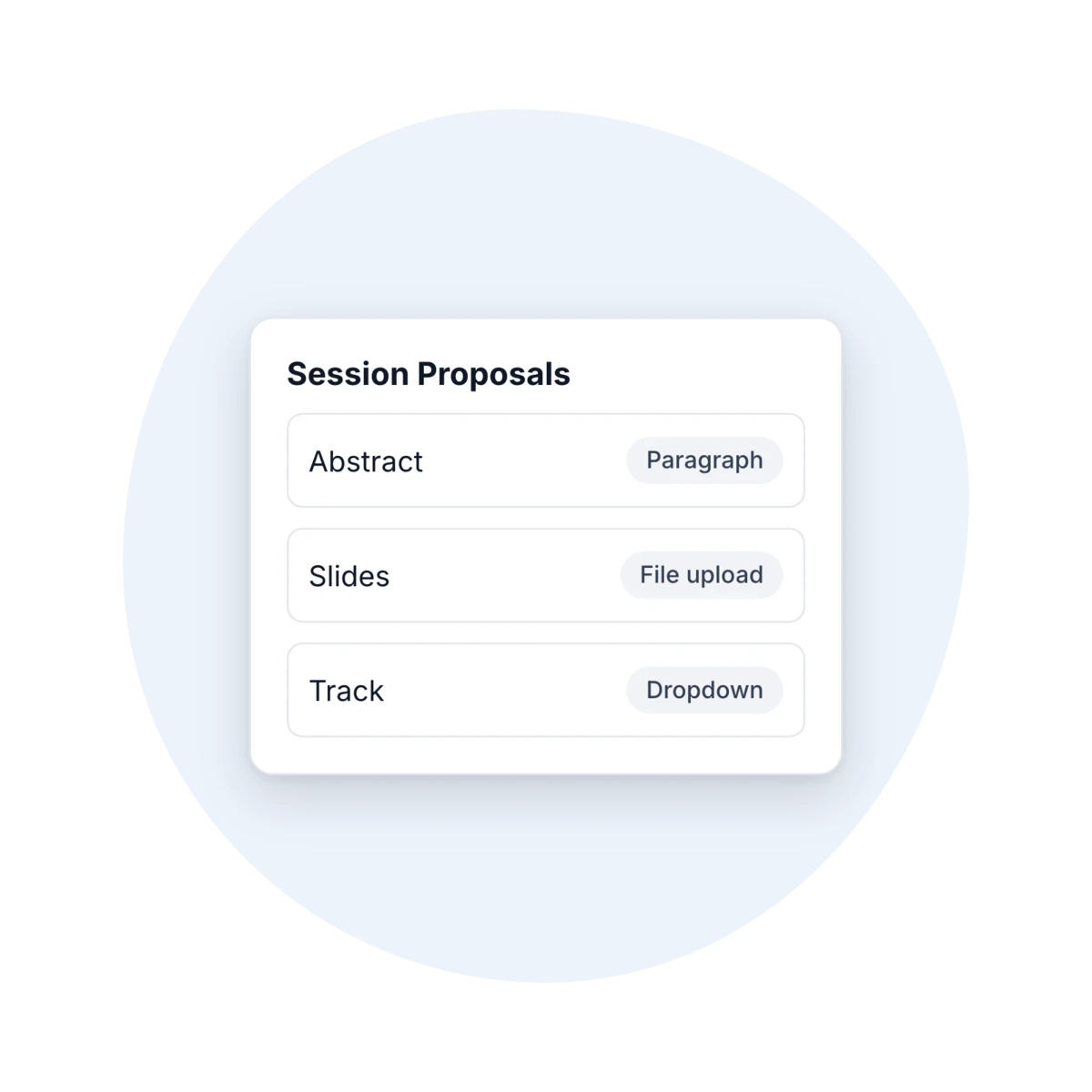
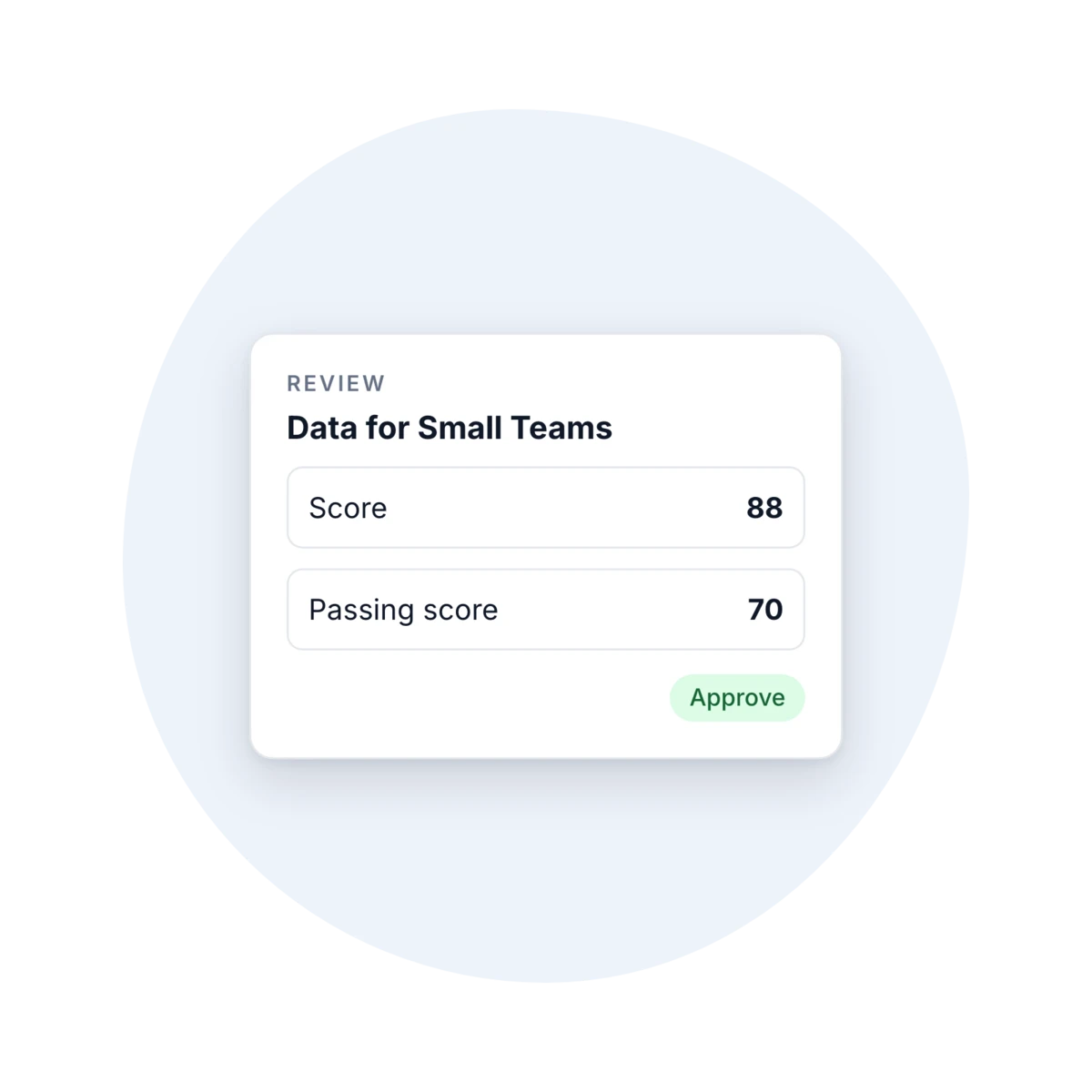
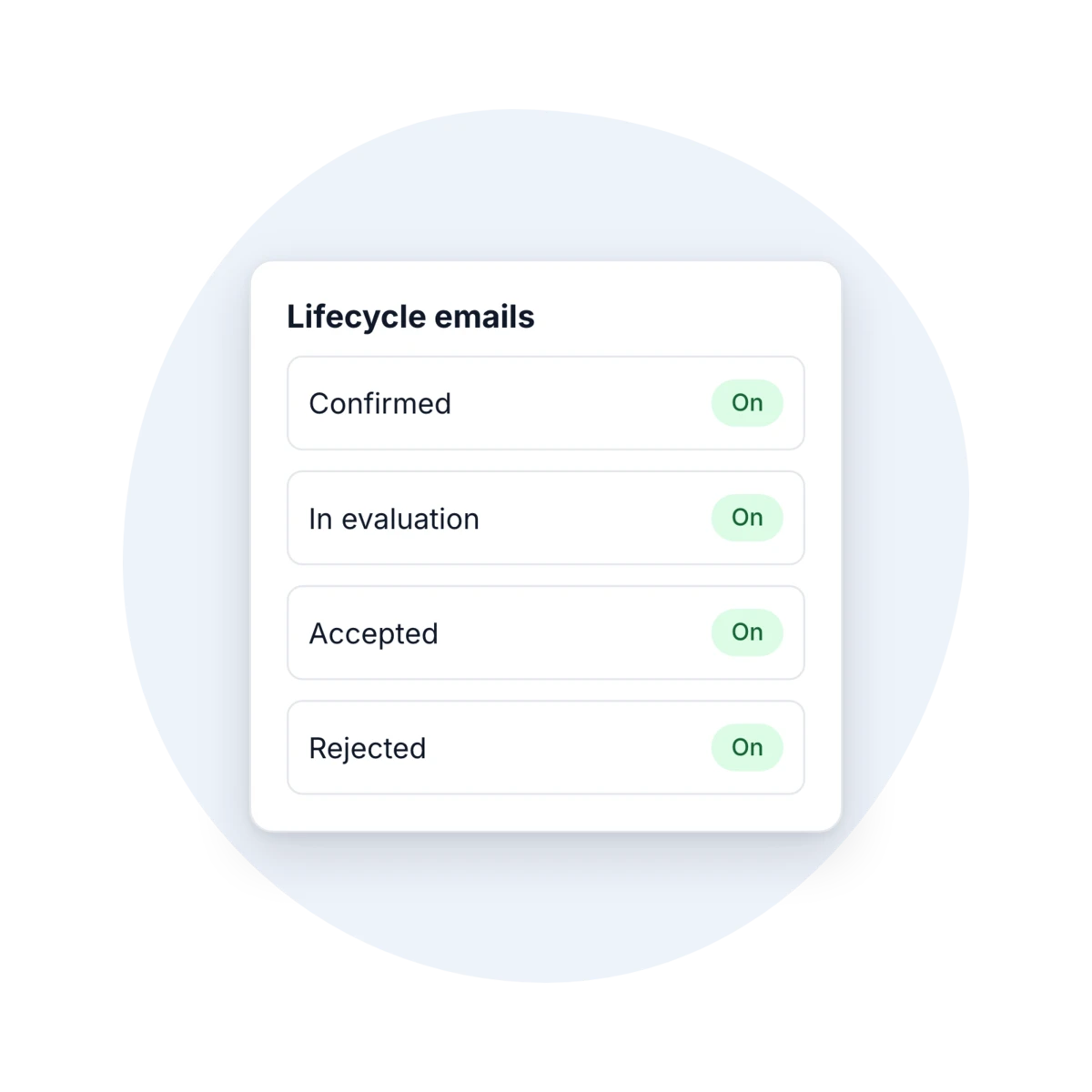
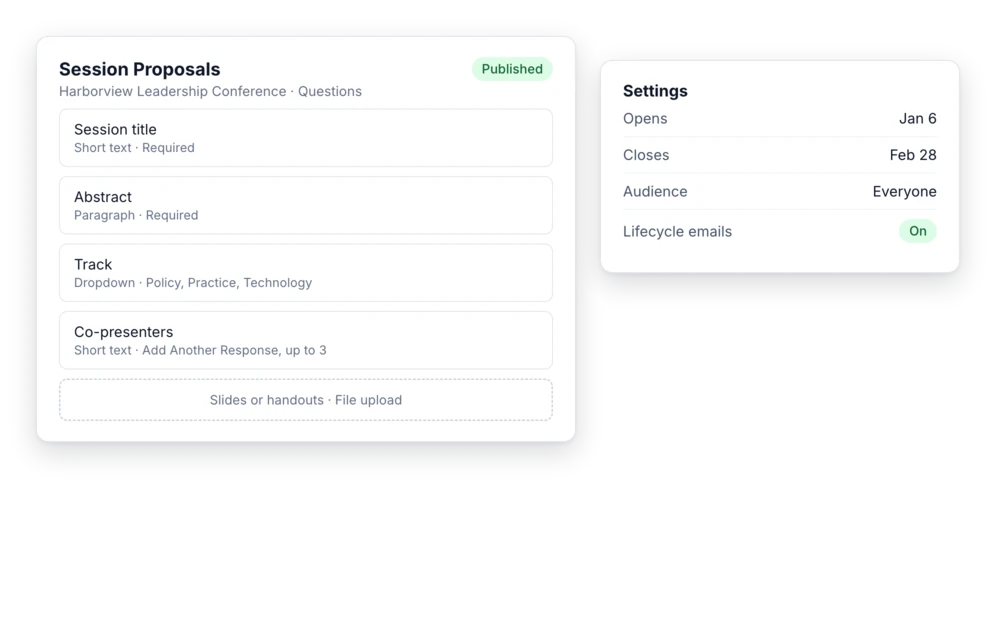
A call for proposals on your event site
Build the form with the questions you need: session title, abstract, track, co-presenters, and file uploads for slides or handouts. Set open and close dates and limit who can submit by account type or designation. You can add a welcome screen too. Submitters can send more than one proposal if you allow it, and you can require an account and company so every submission is tied to a person.
What you get:
- File uploads and follow-up questions
- Open and close dates
- Audience limits by account type
Reviews with your criteria and a passing score
Review Criteria give your committee a consistent form: ratings, scores, comments, and an approve or reject call, plus a reviewer survey if you want more. Set a passing score so you can see which proposals cleared the bar. Download every attachment in one zip, with a folder per submitter, and export the responses to Reports for the program committee.
Every submitter hears back
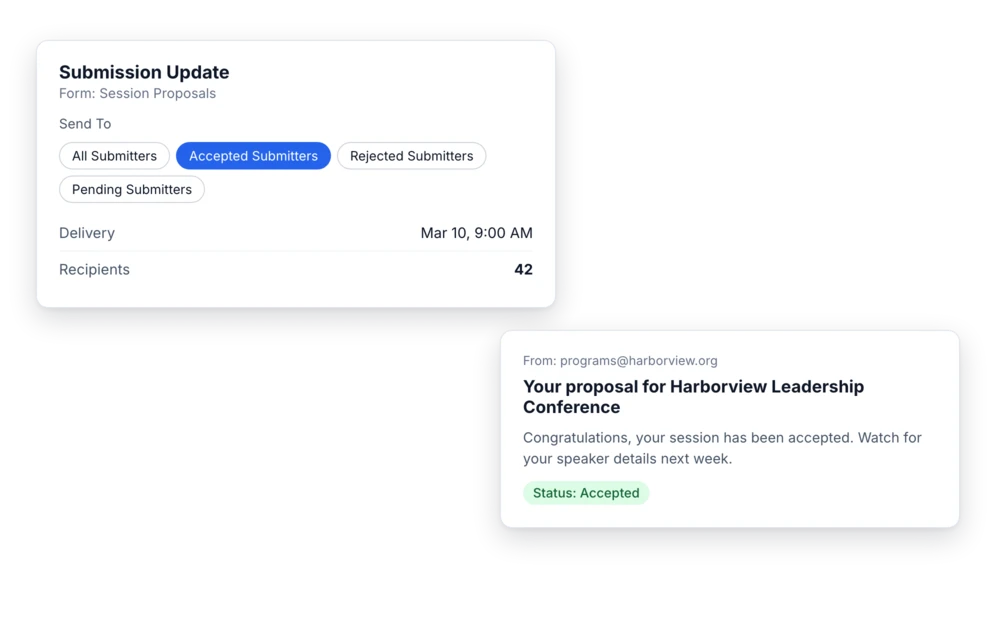
Lifecycle emails go out when a proposal is confirmed, moves into evaluation, and is accepted, rejected, or canceled. For everything else, send a Submission Update to all, accepted, rejected, or pending submitters, or to a contact list, now or on a schedule, with each person’s status included. Turn on registration with auto-register on acceptance, and accepted submitters are registered for the event.
What your team can do:
- Schedule updates by submission status
- Register accepted submitters automatically
- Clone the form for next year’s call
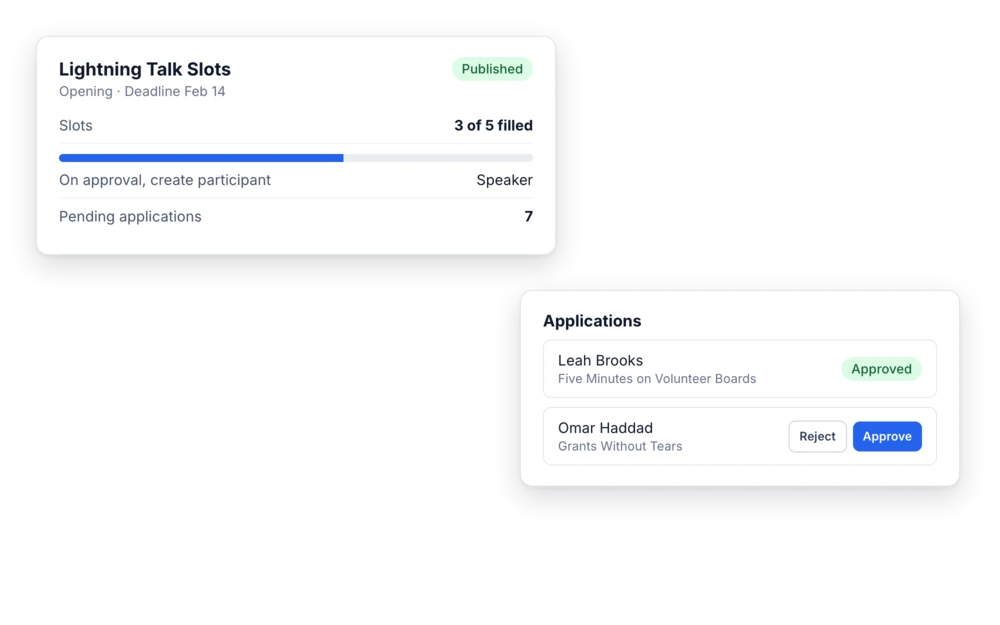
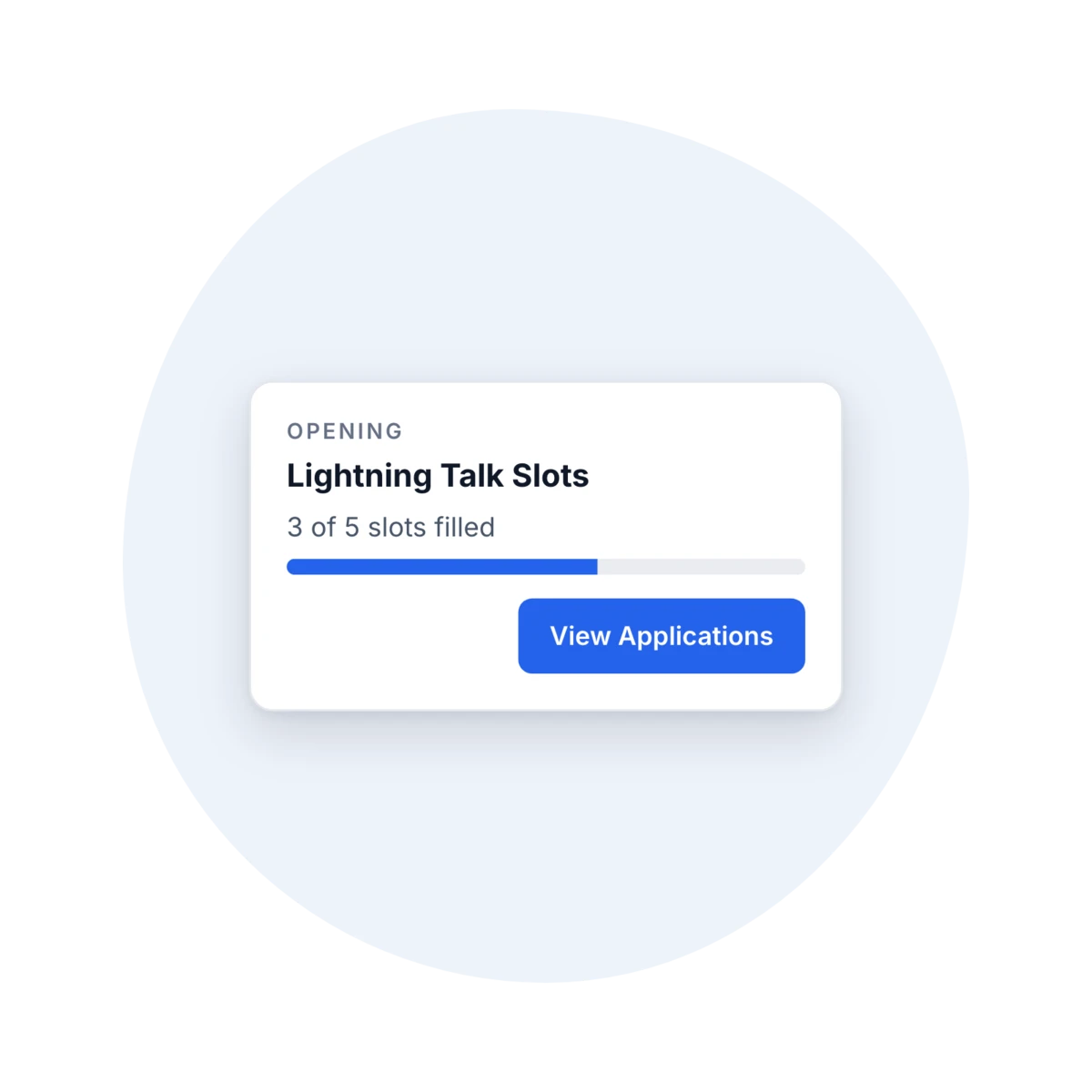
Short speaker slots and a speaker library
For lightning talks or open speaker slots, an Opening lists the number of slots and a deadline. Applicants apply from your event site and you approve or reject with a reason. Each approval can create a participant with the type you choose, such as Speaker. Add your accepted presenters to your speaker library and reuse them at next year’s event. An invitation lets them keep their own profile current. Openings are turned on by our support team.
Tell us what you run
Book a demo and we’ll build it around the events you already run.
Ready when you are
It all runs on one platform.
Registration, badge printing and check-in, buyer and supplier matchmaking, credit tracking, live reporting, and a branded mobile app, with every platform feature included in your contract.
Free registrations cost nothing, there's no long-term lock-in, and the first event is the trial.