
The Salesforce Integration
Confirmed registrations land in Salesforce as Contacts and Campaign Members, matched by the rules you set. Your sales and membership teams see event activity in the CRM they already work in.
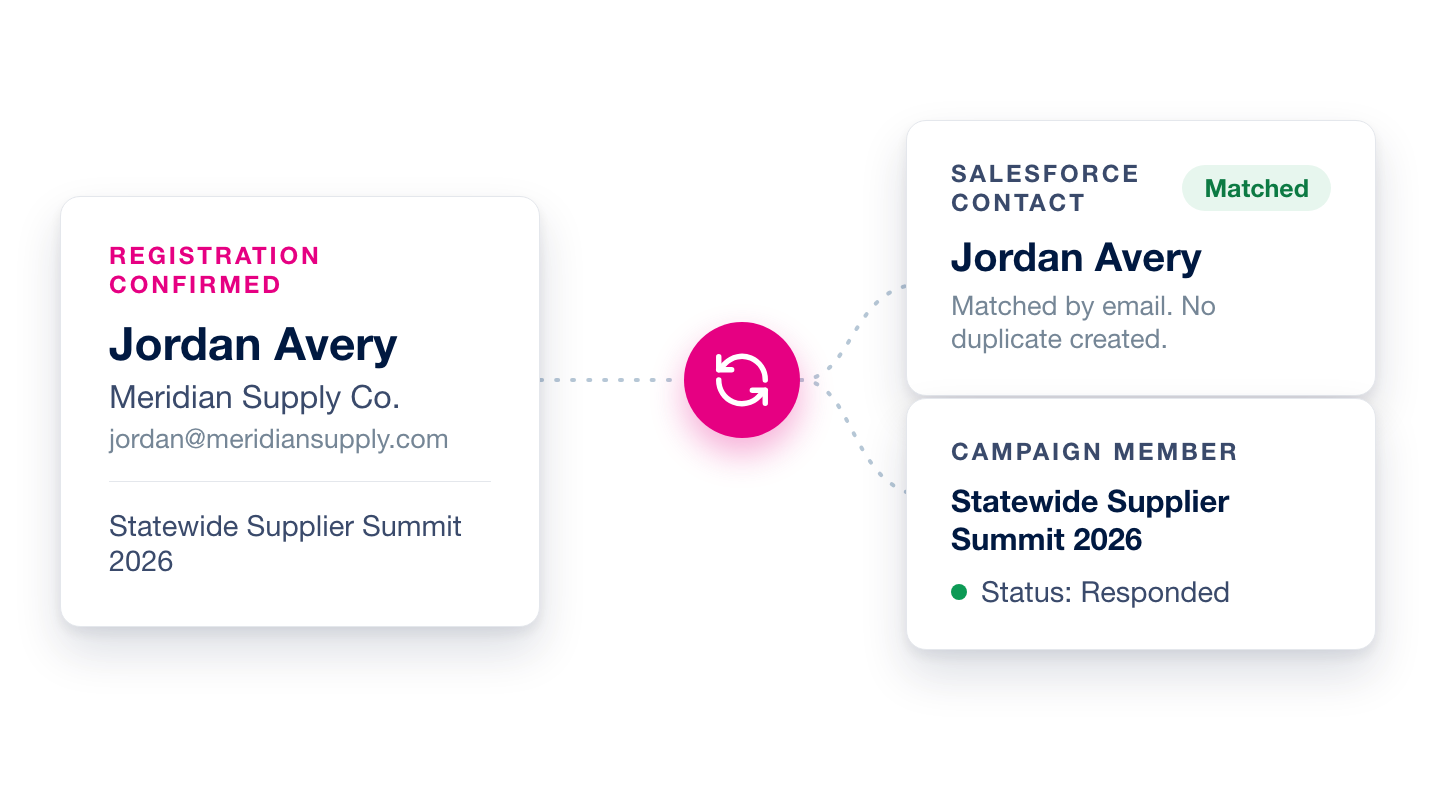

Confirmed registrations push automatically

Contacts matched, never duplicated

Field mappings down to form questions
How the integration works
When a registration confirms
The integration finds the registrant's Contact using the match rule you set: email out of the box, or any Contact fields you choose. It then adds them to your chosen Campaign as a Campaign Member with status Sent. Sync a registration again after event check-in and the status flips to Responded, so campaign reports separate who registered from who showed up.
No duplicate Contacts
If no match is found, the integration only creates a new Contact when you've turned that on. And if your Salesforce duplicate rules flag a likely match during creation, we link the registration to the best match instead of forcing a copy into your org.
Mappings you control
Map registration fields, addresses, and answers from your registration form to Contact, Account, and Campaign Member fields. Country and state names convert to the ISO codes Salesforce picklists expect. Accounts sync the way you choose: update the Contact's existing Account, match by company name, create new, or leave Accounts alone.
A paper trail in Salesforce
Turn on modification notes and every sync writes a Note on the Contact: which fields changed, the old and new values, and which event the registration came from. Your admins always know exactly what the integration touched.
Setup is two steps
A team admin connects your Salesforce credentials once under Manage Team. From then on, each event picks its Campaign, sets its mappings, and turns on auto-sync. No IT project required.
Book a demo
Bring your Salesforce admin, or just your questions. We'll walk through the match rules, the field mappings, and exactly what lands in your CRM when someone registers.
What syncs
- Confirmed registrations as Contacts and Campaign Members
- Registration fields, addresses, and form answers you map
- Account fields, matched or created the way you choose
- Notes recording every field the integration changes
See it on your events
Book a demo. We’ll tailor it to the events you run and follow up with a contract that matches.
Book Demo →